


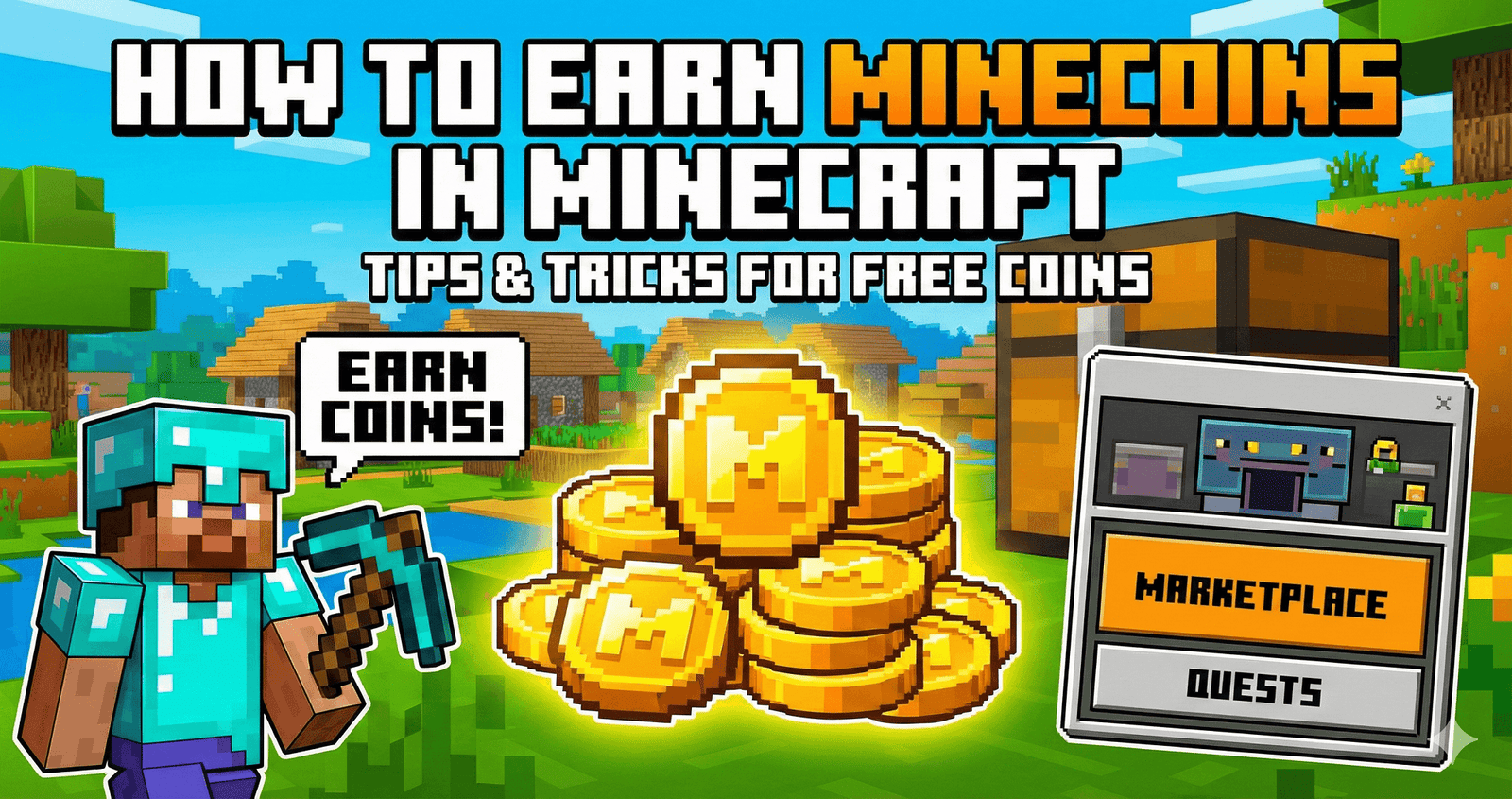
Something is exciting about opening the Minecraft Marketplace and finding that perfect skin or world. Minecoins help you unlock those fun extras. When you earn or redeem Minecoins the right way, you feel proud and safe. No stress, no tricks. Just simple steps that keep your account secure and your game time happy with friends and family.
How to Redeem Minecoins on Xbox
If you play on Xbox, redeeming Minecoins is simple. Follow these steps:
- Open the Microsoft Store on your Xbox
- Select Redeem code
- Enter your Minecoins gift card code
- Confirm and add to your balance
- Launch Minecraft and check the Marketplace
Your Minecoins will appear in your account once the code is accepted.
Minecraft Minecoins Gift Card Guide for Safe and Easy Purchases
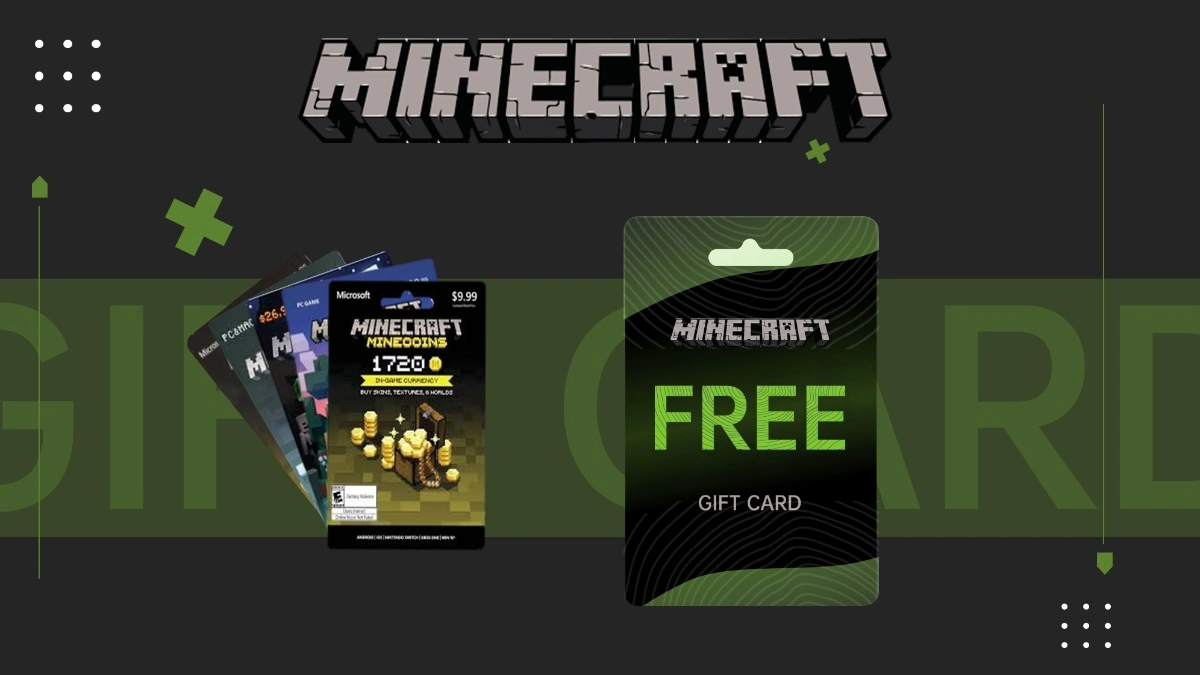
Minecoins gift cards are sold in trusted stores and online shops. Each card comes with a code you redeem in your Microsoft account. They make great gifts for kids and friends. Always buy from official sellers to avoid fake codes or used cards.
How to Get Free Minecoins Without Breaking Any Rules
You can earn free Minecoins through safe and legal ways:
- Join official Minecraft events
- Take part in giveaways from trusted creators
- Use reward programs linked to Microsoft
- Watch for special promotions
Never download strange apps that promise instant coins. Stick to safe sources.
Common Scams to Avoid When Searching for Free Minecoins Online
Many websites claim they offer free Minecoins. Most are fake. They may ask for your password or personal details. Some even try to install harmful software. If a site asks for your login, close it. Minecraft will never give coins for sharing your account info.
Getting Minecoins Hacks Without the Risk to Your Minecraft Account
There is no safe hack for Minecoins. Tools that promise unlimited coins often steal data or ban accounts. Protect your progress by avoiding cheats. If you want more coins, use gift cards or official rewards. Keeping your account secure is always worth it.
Popular Minecraft Items Like the Minecraft Bee Hoodie in Marketplace
Fun items like the minecraft bee hoodie make your character stand out. You can find themed skins, texture packs, and adventure maps in the Marketplace. Minecoins let you personalize your world and show your style to friends.
Verdict: The Best and Safest Way to Earn Minecoins in Minecraft
The safest way to earn Minecoins is through official stores, gift cards, and trusted rewards. Avoid shortcuts. A secure account means you can enjoy skins, maps, and worlds without worry. Play smart and keep your fun safe.
Frequently Asked Questions
How to earn free Minecoins?
You can earn free Minecoins through official Microsoft Rewards, special Minecraft events, and trusted giveaways. Avoid websites that ask for passwords or downloads.
How much is 1000 Minecraft coins?
Around 1000 Minecoins usually cost about 5.99 USD. Prices may vary based on your country and store taxes.
How to use a code to get Minecoins?
Open the Microsoft Store, choose Redeem code, enter your gift card code, and confirm. The Minecoins will appear in your Minecraft Marketplace balance.
How do you claim Minecoins in Minecraft?
After redeeming your code through Microsoft, open Minecraft and visit the Marketplace. Your Minecoins balance will show at the top of the screen.
Can you redeem Minecoins on mobile?
Yes. Log in with your Microsoft account on your mobile device. Redeem the code through the Microsoft website or store, then open Minecraft to see your balance.
How to redeem a CD key in Minecraft?
Go to the official Microsoft redemption page, sign in, and enter the CD key. Once confirmed, launch Minecraft to access your Minecoins.