


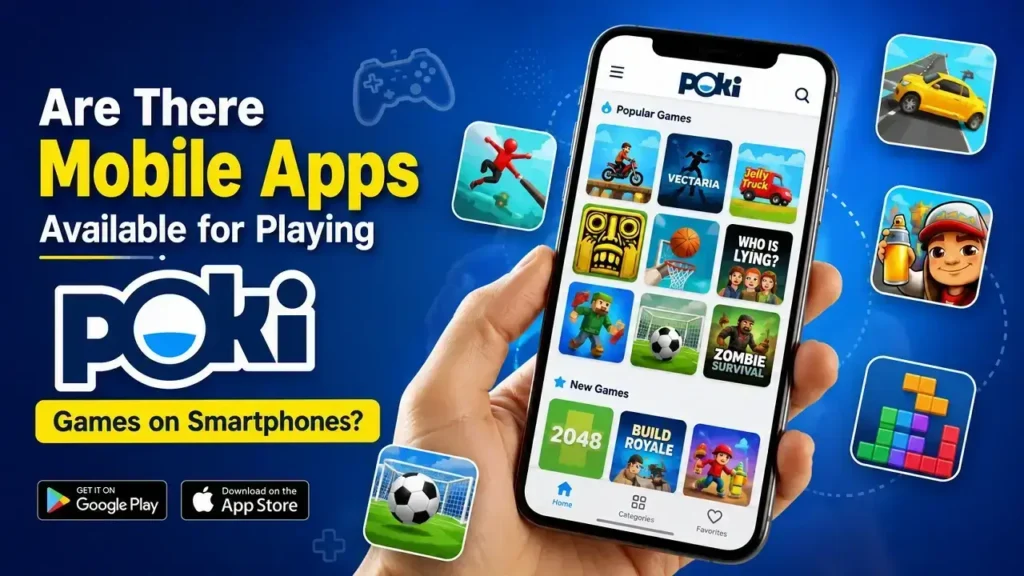
Yes, you can play many Poki games on smartphones without installing a dedicated Poki app. Poki is primarily designed as a browser-based gaming platform, so you can open its website through a mobile browser and start playing compatible games directly on your phone.
For the best experience, use an updated browser such as Chrome or Safari and a stable internet connection. Many games are built with HTML5 and responsive controls, allowing them to work across smartphones and other modern devices. However, game performance, controls, loading speed, and screen compatibility can vary from one title to another.
Can You Play Poki Games on a Smartphone Without an App?
Yes. One of the main advantages of Poki games on smartphones is that you usually do not need a separate application or installation.
You can:
- Open Poki through your mobile browser.
- Choose a game from the available categories.
- Tap the game and wait for it to load.
- Use touchscreen controls when supported.
- Play directly without downloading a separate game app.
This makes browser gaming convenient when you want quick access to casual games without filling your phone with additional applications.
Is There an Official Poki Mobile App?
Poki is best known as a web-based gaming platform, rather than a traditional mobile app store gaming service. Availability of apps can change over time, so you should check the official Poki website or your device’s official app store before installing anything claiming to be a Poki app.
Be careful with unofficial apps or websites that use the Poki name. Check the developer information, permissions, reviews, and download source before installing an unfamiliar application.
What Makes Poki Games Good for Mobile Gaming?
Many browser games are designed to work across different screen sizes and input methods. This can make Poki games on smartphones convenient for short gaming sessions.
Key Mobile-Friendly Features
- Touchscreen controls: Some games support taps, swipes, or virtual buttons.
- No large installation: Browser-based games can be launched directly from a compatible browser.
- Quick access: You can move from the website to a game in just a few taps.
- Wide game selection: You can explore categories such as action, puzzle, racing, sports, and casual games.
- Cross-device convenience: A browser lets you access games from smartphones, tablets, and computers.
How Can You Get Better Performance on Your Phone?
If a game feels slow or does not respond properly, try a few simple steps:
- Use an updated browser to improve compatibility.
- Close unnecessary background apps to free system resources.
- Use a reliable Wi-Fi or mobile connection for smoother loading.
- Rotate your phone if the game works better in landscape mode.
- Check touchscreen controls before assuming the game is not compatible.
- Avoid unofficial downloads when the game can be played safely through the browser.
Are All Poki Games Compatible With Smartphones?
No. Not every Poki game will provide the same mobile experience. Some titles are optimized for touchscreens, while others may have been designed mainly around keyboard, mouse, or larger screens.
Before choosing a game, consider whether it supports touch controls and whether its interface fits comfortably on your phone. If a particular game is difficult to control, another mobile-friendly title may provide a much better experience.
Conclusion
You can enjoy many Poki games on smartphones without a dedicated Poki app. Simply use a modern mobile browser, choose a mobile-friendly game, and check that the title supports touchscreen controls.