






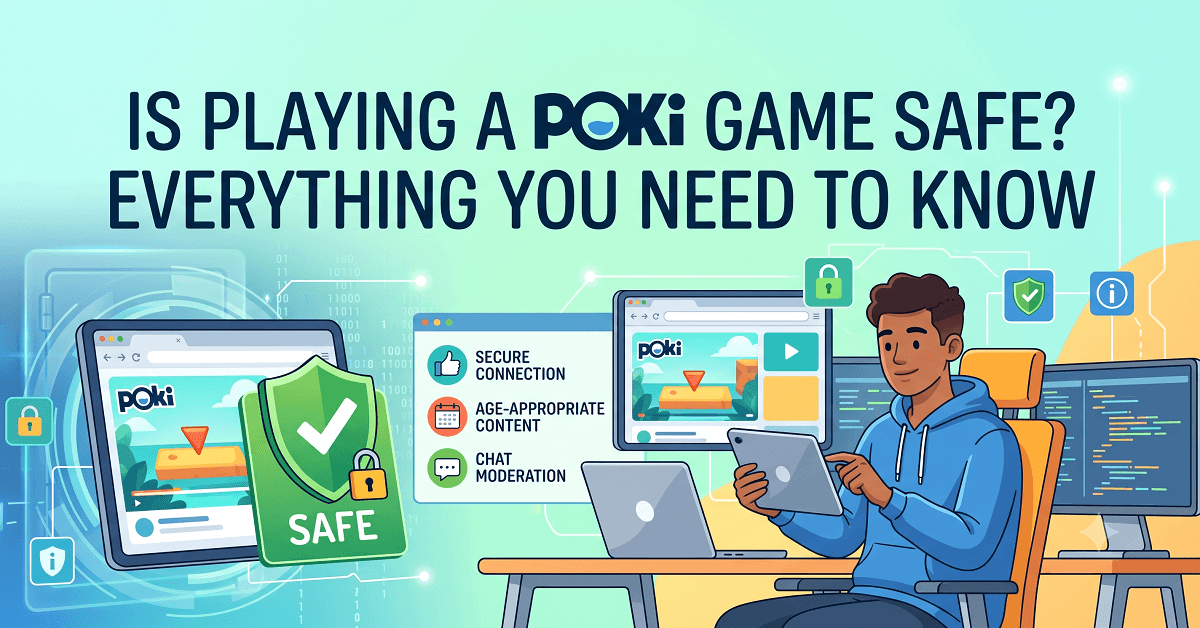
Key Highlights
- Millions of players visit free browser platforms monthly, creating a massive digital footprint that requires smart safety habits.
- Leading digital safety experts note that reputable gaming sites use standard HTTPS encryption to protect basic user data.
- Major web portals rely on ad revenue instead of forced software downloads, which lowers malware risks compared to shady torrent sites.
- Industry research shows that keeping your browser updated blocks over 90 percent of malicious pop-up attempts.
Is Playing a Poki Game Safe for Kids and Teenagers?
When your kids ask to play free browser games, you naturally worry about what they might click. The good news is that these platforms feature built-in safety filters for younger audiences. Because games load directly inside your web browser window, you never have to download strange files or risky setup programs onto your computer.
That means your hard drive stays clean of hidden viruses. Still, you want to keep an eye on younger children because third-party ads can sometimes pop up around the game screen. Teaching kids to ignore flashing banner ads is the best way to keep their playtime worry-free.
How Safe Is Poki Compared to Other Online Gaming Websites?
You want to know if Poki holds up next to other big names, and the short answer is yes, fairly well. Poki runs on a secure HTTPS connection, doesn’t require account creation, and has survived a decade in an industry full of fly-by-night operators. Compare that to sites like Action Games, which also offer huge free libraries and skip downloads, and you’ll notice both platforms share the same basic safety backbone: no installs, encrypted connections, and editorial review before a game goes live.
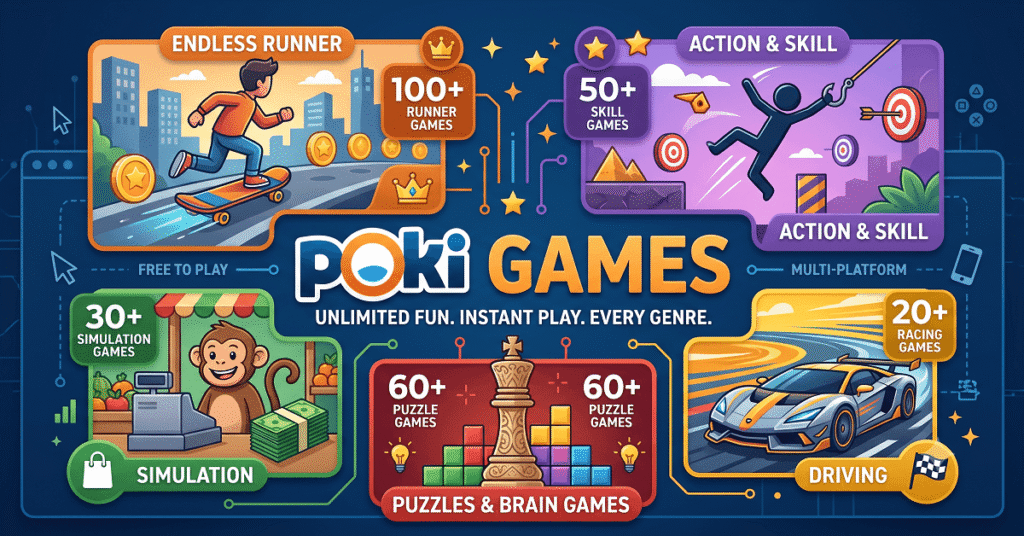
Where Poki online games stand out is sheer volume, with well over a thousand titles reviewed before publishing. Where it falls short is parental controls. Neither Poki nor most competitors offer built-in screen timers or content filters you can set yourself, so you’ll need outside tools like Bark or Qustodio if you want real oversight.
Can You Play Poki Games Without Creating an Account?
You do not need to share your name, email address, or home address to enjoy your favorite arcade titles. The site lets you jump straight into the action without forcing you to sign up for a user profile.
Skipping the registration step is a huge win for your online privacy. Since the platform does not collect your personal details, hackers cannot steal your information from a database leak. You simply open the page, pick a game, and play safely.
How to Stay Safe While Playing Browser Games on Poki
Think of this like buckling a seatbelt before a car ride. It only takes a second, and it makes a real difference. Start with a solid ad blocker, since Poki runs ads to keep the games free and not every ad gets fully screened. Keep your antivirus software updated too, because even legitimate sites can get hit with malvertising from time to time. Avoid clicking pop-ups that promise prizes or ask you to download anything, since Poki never requires downloads for its games. Set a timer for younger players, because the endless scroll of new games can eat up hours without anyone noticing. Finally, bookmark the real Poki.com address directly instead of searching for it every time, which helps you dodge copycat sites built to steal traffic and data.
Common Online Safety Tips for Free Browser Games
You don’t need to be a tech expert to protect your family online. A few habits go a long way.
- Update your browser: Always run the newest version of Chrome, Safari, or Firefox to block security bugs automatically.
- Avoid unknown links: Never click external web links found inside user reviews or comment sections.
- Use ad blockers: Turn on trusted ad-blocking software to stop malicious banner ads from loading on your screen.
- Keep games in the browser: Close the tab immediately if a game prompts you to download an extra file or plugin.
These same rules apply whether you’re on Poki, multiplayer games, or any other free gaming hub. The platform matters less than the habits you build around it.
Is Poki Safe to Use on Mobile Devices?
Poki works right inside your phone’s browser, and you won’t find an official Poki app in the Apple or Google Play stores, which is actually a good sign since it cuts down on fake app scams. Mobile play carries the same content risks as desktop, meaning ads and mature games are still just a tap away. What changes on mobile is data usage and battery drain, since browser games can run heavier than native apps. Stick to Wi-Fi when possible and close background tabs to keep things running smoothly. If your child plays on a shared family tablet, set up browser-level restrictions rather than relying on the site to filter content for you, because Poki itself doesn’t offer that layer of control.

Signs of a Safe Online Gaming Website You Can Trust
Spotting a secure website takes just a few seconds of your time. Look at the web address bar at the very top of your screen to make sure you see a little closed padlock icon. That padlock proves the site uses secure HTTPS encryption to protect your internet connection.
Safe websites also feature clear privacy policies and easy-to-find contact pages. If a gaming hub looks messy, has broken links everywhere, or constantly redirects your browser to strange new tabs, close the window right away.
Myths and Facts About Playing Games on Poki
Rumors spread fast online, so let’s clear a few up with what the evidence actually shows.
| Myth | Fact |
|---|---|
| Poki installs viruses on your device | Security scans have found no malware tied to the core Poki.com site |
| You must create an account to play | Poki lets you jump straight into games with zero sign-up |
| All Poki games are kid-friendly | Many are, but the main site also hosts violent and mature titles |
| Poki sells your personal data | Poki collects standard cookies and usage data for ads, not personal identifiers, since accounts aren’t required. |
| Poki apps exist on app stores | There’s no official Poki app, only the browser-based website |
Real Player Reviews
“As a father of two, I am very protective of what my kids click online. This platform gives me peace of mind because the games load right in the browser without any sketchy downloads.”
– Mark T., Family Dad and Tech Enthusiast
“I love sneaking in a quick puzzle game during my lunch break at work. It loads fast, requires zero setup, and never pesters me to create an annoying account.”
– Sarah L., Daily Browser Gamer
Final Verdict: Should You Play Poki Games in 2026?
Playing free browser games remains a safe and fun way to pass the time as long as you use basic common sense. The platform provides a secure environment because it avoids dangerous downloads and intrusive user accounts. As a parent or adult gamer, you can trust these sites for quick entertainment. Just combine smart browsing habits with an updated ad blocker, and you will enjoy a worry-free gaming experience all year long.
Frequently Asked Questions
Is Poki games safe from hackers?
Yes, the site uses secure encryption and does not require personal logins, which keeps your device safe from hackers trying to steal user data.
Can you trust Poki?
Millions of players and parents trust the platform because it relies on safe HTML5 technology and avoids forcing users to download risky external software.
Is Poki safe for 10-year-olds?
The platform is generally safe for kids, though parents should encourage children to ignore third-party ads and avoid clicking on external web links.
Do you need to pay to play games on Poki?
No. Every game on Poki is free, supported by ads instead of subscriptions or purchases.
Does Poki work on all browsers and devices?
Yes, Poki runs on Chrome, Safari, Firefox, and Edge, and it works on both desktop and mobile browsers without any app install.
Can I play Poki games on my phone?
Yes. Poki works on most modern Android phones, iPhones, and tablets through supported mobile browsers, giving you a secure and convenient gaming experience.